
Even though Wix does not give you the option to insert JavaScript code directly into your website, you can easily integrate OptiMonk with your Wix store using Google Tag Manager.
Important: You are only able to connect Google Tag Manager and Wix if you are a paid Wix user. Unfortunately, if you are not, you will not be able to integrate OptiMonk with Wix.
Let’s start with linking your Wix account to your Google Tag Manager
Sign in to your Google Tag Manager account
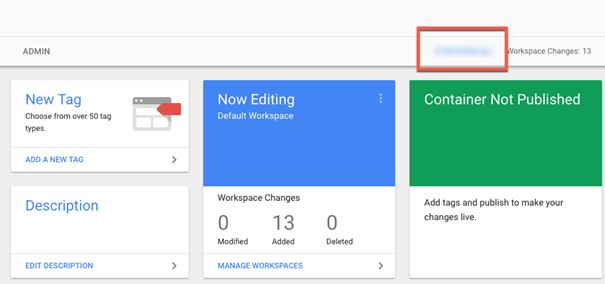
Copy the container ID from your Google Tag Manager dashboard
Now, let’s go to your Wix site’s Marketing Integrations tab
At the top right side of the page, click on Connect Google Tag Manager
Enter your Google Tag Manager container ID
Click Save
That’s it! Now your Wix and Google Tag Manager accounts are connected. The next step is to connect your OptiMonk account with your store.
Connecting OptiMonk with your Wix store
Let’s implement your OptiMonk JavaScript code into your Wix store via Google Tag Manager. All you need to do is follow these few steps here.
That’s all! You are ready to use OptiMonk on your Wix store and can start creating and activating your first of many campaigns.