You can easily integrate OptiMonk with your Duda website by following the instructions described below. The step-by-step guide will introduce you to the actions to take in order to implement OptiMonk on your website successfully. You’ll be able to set it up in no time on your site and then get started with creating and optimizing your OptiMonk campaigns.
To start, please follow the next steps:
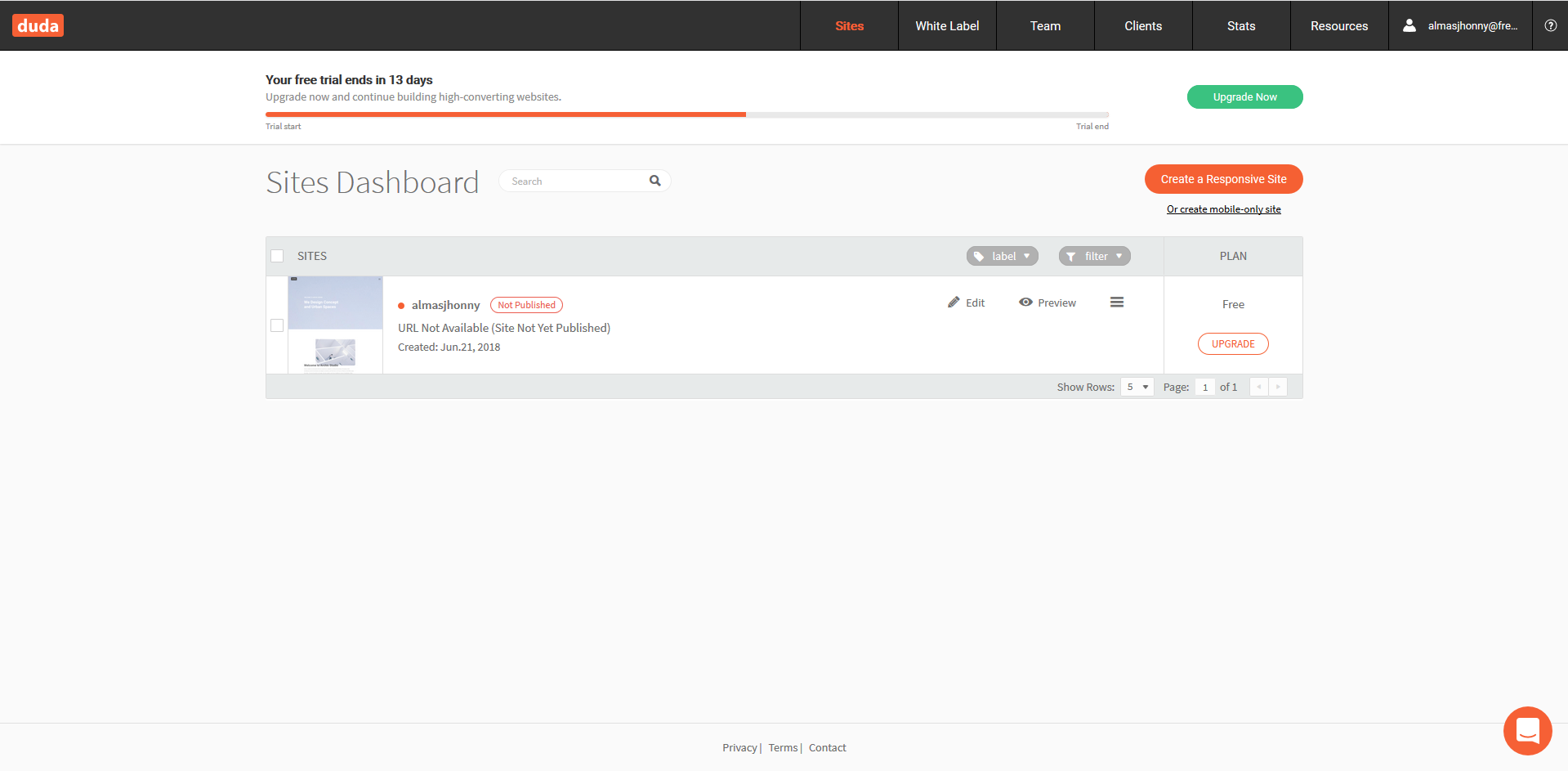
Log in to our Duda account and, on the main page, choose the "Edit" menu of the page you would prefer
On the left side of the editor, click on the "Widgets" option and then on the HTML option
Insert the JavaScript code generated by OptiMonk here
Save the modifications